
An operations and maintenance (O&M) manual should help the people responsible for running and maintaining a system. It is not simply a folder of supplier documents assembled at the end of a project.
A useful manual explains what was installed, how it is intended to operate, how to maintain it and where to find the records needed to support ongoing operation. Its contents should be agreed for the specific project, asset and contract.
Start with the people who will use it
Before setting the document structure, identify the intended readers. They may include operators, maintenance technicians, facilities teams, asset managers and emergency responders. Their needs differ.
Ask:
- What decisions will they need to make?
- Which tasks will they carry out?
- What information must be available at the point of work?
- What training or specialist support is required?
- How will updates be issued and controlled?
A manual written only for project closeout may not be useful to the team running the system.
Core information to consider
A project-specific O&M manual may include:
1. System overview and design intent
Describe the system, its purpose, major components, operating boundaries and key dependencies. Include the intended operating modes and any important assumptions.
2. Equipment and asset information
Provide equipment schedules and identification details that connect the manual to installed assets. Include manufacturer, model, serial or asset identifiers where applicable.
3. Operating instructions
Explain normal operation and relevant start-up, shutdown, standby or recovery procedures. Include prerequisites, warnings and clear steps, using terminology consistent with equipment labels and controls.
4. Maintenance requirements
List maintenance tasks, recommended intervals, required competencies, consumables and any relevant limitations. Confirm details against approved manufacturer information and project requirements.
5. Fault-finding and escalation
Give users a structured way to identify common issues, safe initial checks and when to stop and contact a competent person. Do not encourage work beyond the reader’s authority or training.
6. Safety and emergency information
Include relevant hazards, precautions, isolation information and emergency procedures. Ensure these are consistent with the project’s risk assessments and site arrangements.
7. Drawings and configuration information
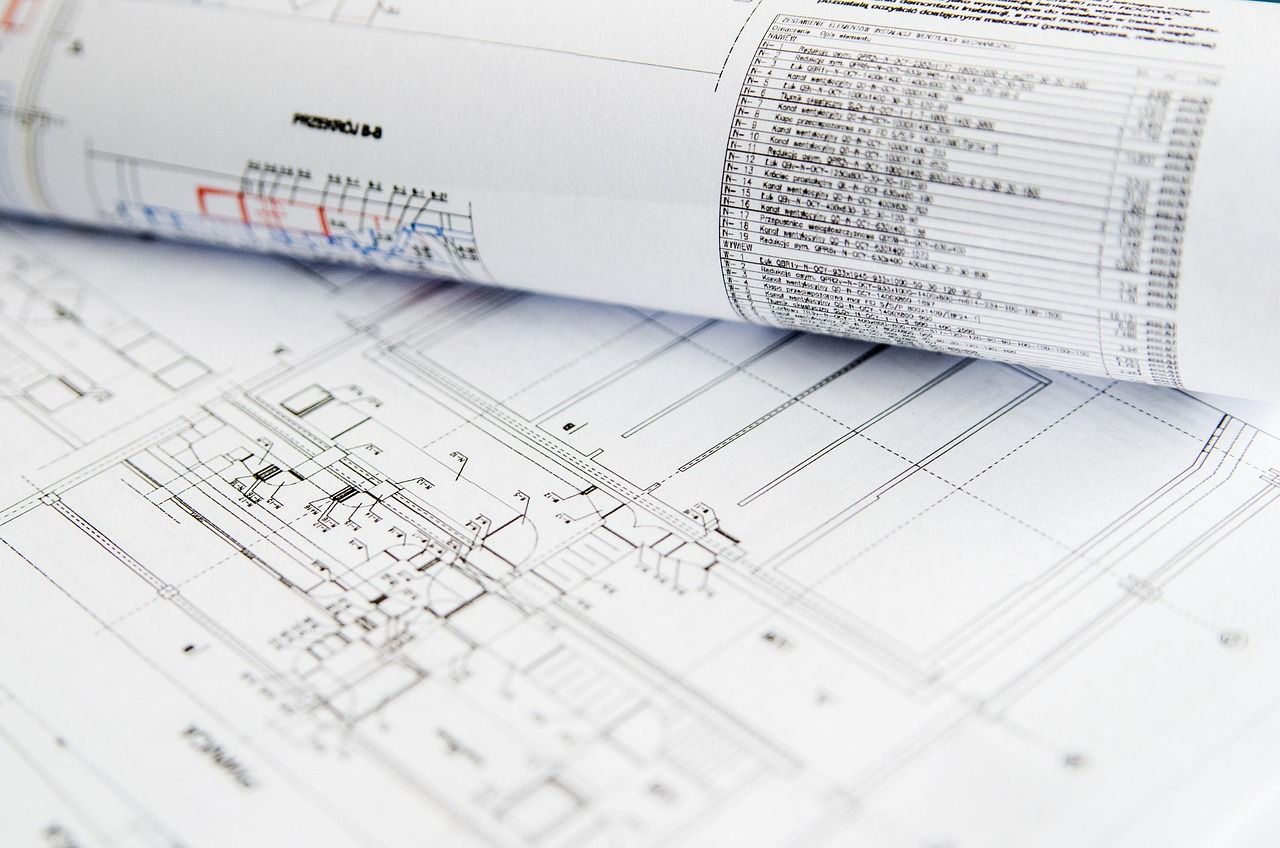
Provide the approved as-installed drawings, schematics, control descriptions and other system information needed to understand the installed configuration. Mark revisions and status clearly.
8. Commissioning and test records
Include or reference relevant commissioning results, certificates, acceptance records, unresolved items and agreed restrictions. HSE guidance emphasises retaining records of commissioning and checks, including evidence of testing and any identified deviations.1
9. Contacts, warranties and spares
Show the relevant support contacts, warranty information and recommended or required spare parts. Make ownership and escalation routes clear.
10. Change and revision information
Explain how the manual is controlled and updated when the system changes. A manual that no longer reflects the installed system can mislead the people relying on it.
Make it usable, not just complete
A technically complete manual can still be difficult to use. Improve usability by:
- Organising information around tasks and systems.
- Using consistent names for equipment and locations.
- Providing a contents page and clear section headings.
- Linking procedures to relevant drawings and asset identifiers.
- Separating critical warnings from general background.
- Providing searchable electronic files where appropriate.
- Checking that links, revision references and contact details work.
Where operations require quick access, consider whether a controlled digital format or searchable asset information would serve users better than a single large document.
Build handover into the project plan
O&M information is easier to verify when it is collected throughout design, installation and commissioning. Assign owners for each section, define required formats and agree review dates before handover. Update documents as changes are approved and installed.
The goal is for the handover information to describe the system that was actually delivered. Government project guidance identifies manuals and user guides as part of preparing people to operate a facility after handover.2
An effective O&M manual helps connect project delivery to the system’s operational life. It gives the people responsible for the asset a practical reference for running, maintaining and understanding it.